

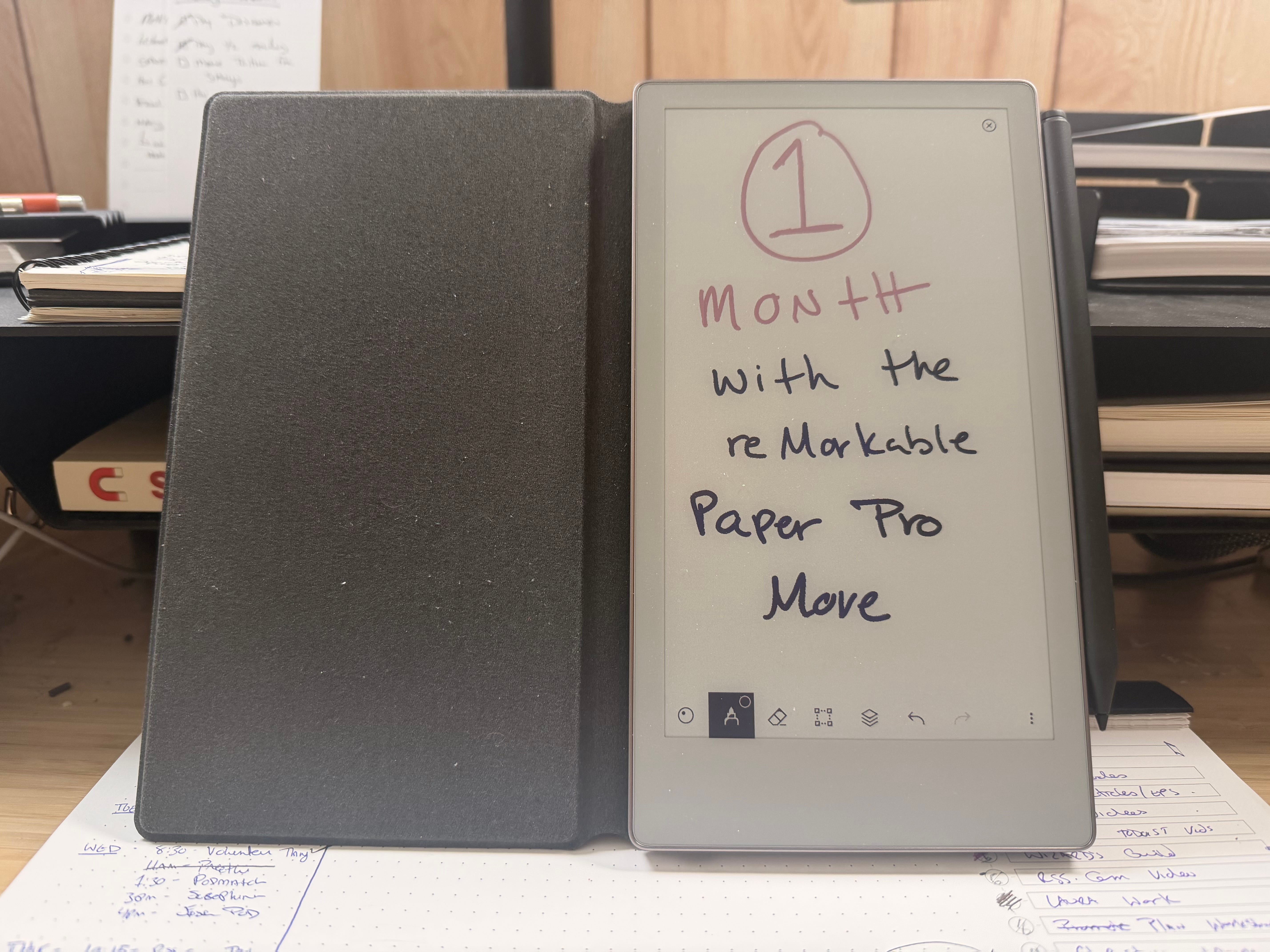
One Month with the reMarkable Paper Pro Move
Have I finally found the perfect eInk paper replacement?

You probably know the parable of the “Two Wolves” you have fighting inside of you — the one the represents positivity and the one that represents negativity. The one you feed wins.
I have two other animals fighting inside me: an eagle and an ox.
The Eagle represents my desire to adopt technology; I’ve been a technologist for most of my life. I first started working with computers when I was 10-11, and made my first website at 13.
Technology made me who I am today, and I often joke that without computers, I’d have no marketable skills. It helps me see farther and reach new heights. It’s as useful as it is convenient.
But I’ve been feeling a different pull lately: that of the Ox. The Ox represents the real world, and doing hard work in it. It’s often associated with the agrarian lifestyle. For me, the Ox represents my desire to digital detox1.
I’m trying to feed the Ox more than the Eagle lately, but as someone who does pretty much all of his work online, finding this balance is difficult.
I feel like I found this perfect balance in the reMarkable Paper Pro Move.
Why I Bought the reMarkable Paper Pro Move
The first time I saw a reMarkable eInk tablet in real life was at Craft + Commerce 2022. I loved the idea of it, but never really pulled the trigger on getting one.
I’ve also tried other writing and paper-like products. Since I already have an iPad, for example, I’ve tried a number of screen protectors and Apple Pencil tips to recreate that paper feel.
I also picked up the 1st Generation Kindle Scribe, which was...big and slow. I have no doubt that the latest one is easily the best one, but it didn’t really work out the way I wanted it to. It was too big to comfortably read on, and I found myself reaching for pen and paper more than the Scribe.
In fact, if I really think about it, size was almost always a determining factor in why digital notebook replacements didn’t work for me. Between carrying a laptop, a phone, a notebook, and an iPad, I just didn’t see how a large eInk device slotted into that lineup.
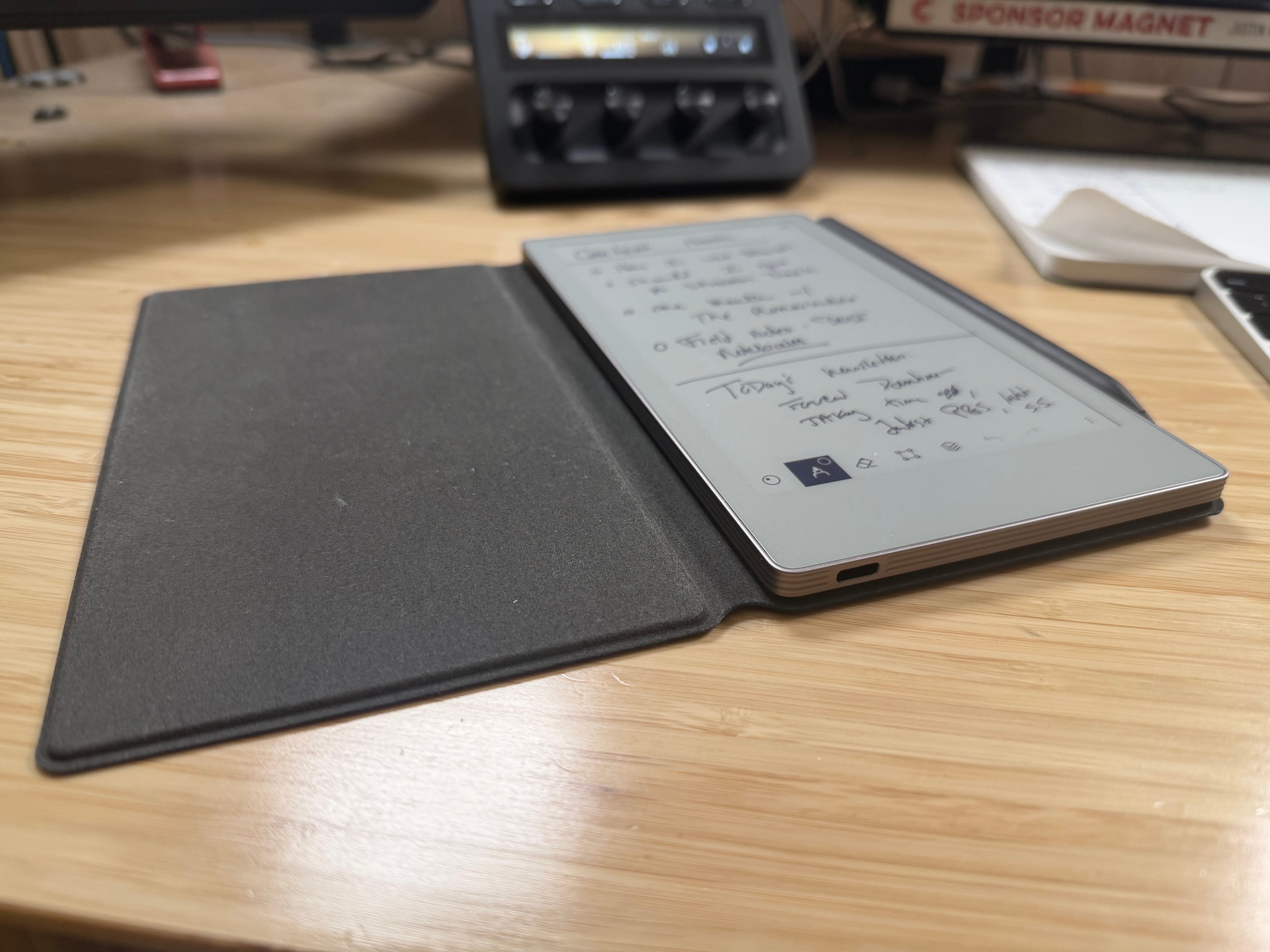
Then in November, as I was thinking about my Year of Digital Detox, I was served up an ad for the reMarkable Paper Pro Move. It’s a device I can hold in one hand, and it fits perfectly in my sling bag. At 7.7” tall x 4.2” wide and about a 1/4” thick, it’s the perfect portable size.
Size wasn’t the only factor though. While I love paper notebooks, 3 times last year I lost them — one went through the wash and the others are at large.
I still always carry a Field Notes notebook on me, but having a paper-like device that syncs to the Cloud solves the problem of losing my paper notebooks before I have time to transfer those notes to something more permanent.
That desire to stay analog while also having a digital backup is a regular struggle for me. I decided the reMarkable would be a great device to help me feed both the Eagle and the Ox.
So...how is it going?
What I Like About the reMarkable Paper Pro Move
One of the big risks of idealizing technology before you have a chance to try it out is its inability to live up to the expectations.
This was true of the Kindle Scribe, the Rocketbook, the paper-like screen protectors, and countless other devices I thought would help me bridge that gap between paper and digital note-taking.
I also know that there’s a honeymoon period with any capable device. Unless the experience is straight up terrible from the get-go, like with the Ozlo Sleepbuds, there’s going to be a period of a week or two where the new device has “solved” all of your problems.
That’s why I waited a month to write anything about it. I wanted to see if I would actually use it, take it with me out of the house, and if getting stuff out of it was as easy as getting stuff in.
The verdict? I’m giving reMarkable Paper Pro Move a solid 7/10 after a month.
I take it pretty much everywhere with me — it even fits into my coat pockets.
I use it for random ideas, book notes, longer-form writing, and meeting notes. And moving notes to different notebooks is just as easy as I expected it to be.
The marker is particularly good. It feels really nice in my hand. Plus, I opted for the “Marker Plus” which has an eraser on the other end.
It’s a color eInk device, which has been good for highlighting/calling out specific notes.
It also has integrations for a number of services, including Google Drive and Slack, as well as iOS, iPadOS, and macOS apps. This allows me to view, and even edit, my notes from any of my devices.
It’s been a perfect note-taking companion for me — so much so that I haven’t felt the need to bring analog notebooks with me most places.
That’s not to say I don’t use notebooks. I do. A lot. But the main assignment for the reMarkable Paper Pro Move is to be a travel companion — whether I’m going to a conference, or just getting out of the house.
It performs its job nearly perfectly.
Why I Didn’t Give It a Perfect Score
So if I love this thing so much, why didn’t I give it a perfect score? There are a couple of things — some of which I recognize are either out of the device’s control or better suited to bigger devices.
One is the refresh rate. Using the iPad as my primary digital note-taking device for a long time, the slight delay I see on the reMarkable sometimes is enough for me to take notice.
I suspect a big part of this is the color screen. Color eInk is known to refresh less efficiently than Black and White eInk. In fact, when I’m writing with certain colors, the drawing will show up as black first, then refresh to the desired color2.
There is no non-color version of the reMarkable Paper Pro Move, but I’m not sure if I would have opted for it if I had the option. For example, even though the resolution isn’t as crisp on my Kindle Colorsoft as it is on my wife’s Kindle Paperwhite (which is not color eInk), I still go back and forth on my preference.
The other big drawback for me is likely impossible to reconcile given I optimized for portability. When trying to mark up documents like PDFs, the experience isn’t great. You can pinch to zoom, but I found that holding it horizontally was the best way to work with documents on it. That’s less than ideal for me.
But that’s kind of like saying I want sugar-free cotton candy. It’s maybe technically possible to reconcile, but you’re getting all compromise with no benefits.
Finally, the macOS software isn’t the best. This isn’t a huge deal since it’s not the main mode for using the reMarkable, but getting it working for the very basics took too much effort.
On reMarkable Connect
There is one thing I considered placing in the “things I don’t like” category, and that’s reMarkable Connect. It’s reMarkable’s subscription service, and it’s not required (which is one reason I don’t hold it against them). You get:
Unlimited storage
More templates
Handwriting search
More AI and Integration features (like better search and sharing to Slack)
A protection plan that covers defects3
This is a decent list of benefits for a subscription, and I understand that monthly recurring revenue (MRR) is basically the holy grail for most businesses.
But the other reason I don’t hold it against them is because it’s $30/year or $3/mo, tax included.
That’s a pretty small amount to pay for everything you get — especially if, like me, you come to rely on it on a daily basis.
Moving Forward
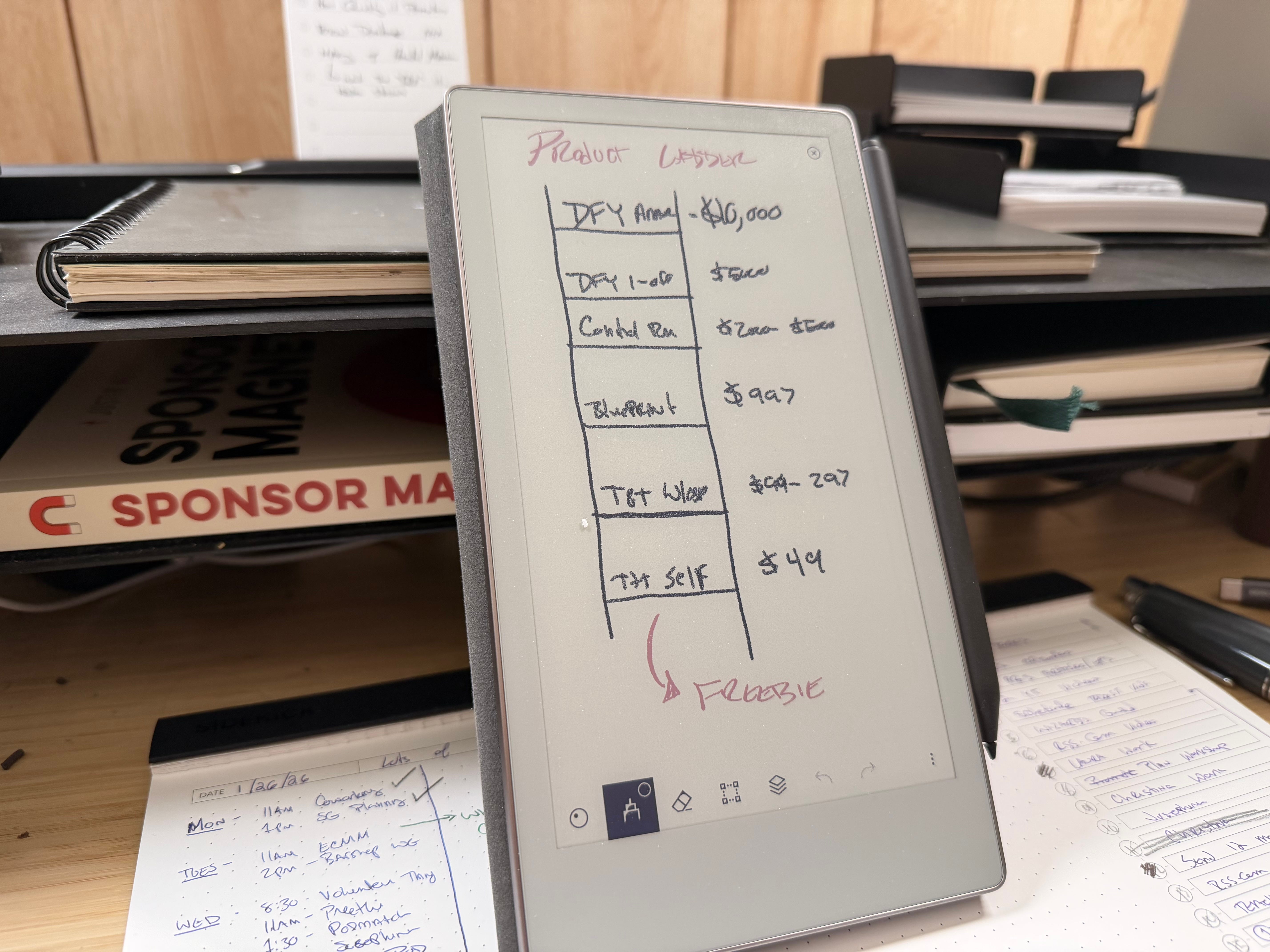
After a month with the reMarkable Paper Pro Move, I’m excited. I’ve been thinking about potential automations (something I cover for my main gig), and being better about organizing the notebooks and how I’m using it. With a few tweaks this can be my primary note-taking device.
That said, I am really curious about the experience on the bigger reMarkable. Looking at both the Paper Pro (color, 11.8”) and the reMarkable 2 (black and white, 10.3”), I’m inclined to try the 2. I don’t love another nearly 12” device in my arsenal, and I’m curious to see how much better the refresh rate is on a non-color device.
I know this sort-of contradicts my entire justification for getting the Move, but I promise there’s good reason.
Both the bigger reMarkable tablets support the Type Folio, which attaches a keyboard. I’ve been considering an eInk writing device like the Freewrite, but it’s clunky, and the screen is small. The reMarkable 2 + Type Folio might be a perfect solution for me.
I haven’t made a decision yet; it very well may be overkill. But I’d like to try it.
And either way, it won’t be a replacement for the Move. I believe this has a permanent spot in my lineup.
It’s likely no coincidence that I was born in 1985, which is The Year of the Ox in the Chinese Zodiac.
This is definitely the best way to handle a slower refresh, as delayed feedback would be a terrible user experience for a writing device.
…but not accidental damage